CCleaner 7 no longer shows you at the top if it is Free or Professional.
To check which one you are running then look at the bottom left corner, if you have Free then you’ll see a coloured ‘Upgrade to Pro’ icon as in the first screenshot below.
To double check go to Settings (the cogwheel) > ‘My Subscription’ and it tells you there if you currently have Free or Professional.

If you have the Free version and want to register/activate it as Professional with a valid key then click on ‘Enter licence key’ and you will get this:
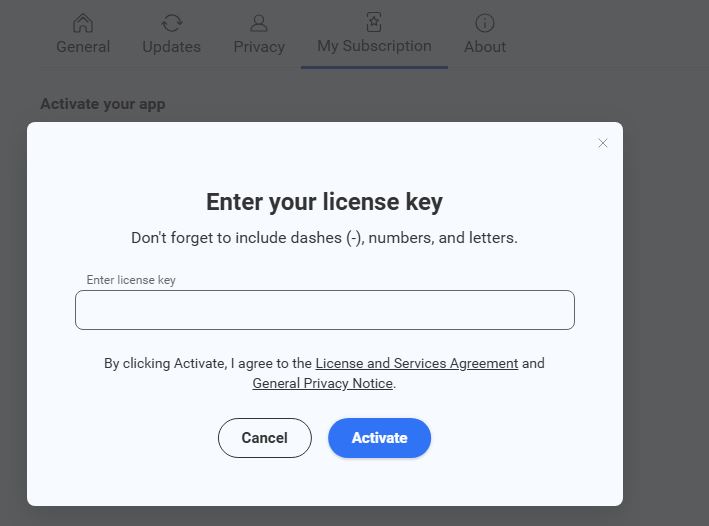
Once you have entered your key and clicked ‘Activate’ then you have CCleaner Professional:
