You can stop it updating EVER.
Uninstall 7, then reinstall v6.39, the latest “safe” version, but DO NOT run the program.
First create a new rule in Windows Defender Firewall. Block C:program files\CCleaner\CCleaner.exe. Create a second rule to block C:program files\CClener\CCleaner64.exe. Also delete CCUpdate.exe in the same folder.
Disable CCleaner in Windows task scheduler too. If you just block automatic updates in the program, it will force an update after 1 year.
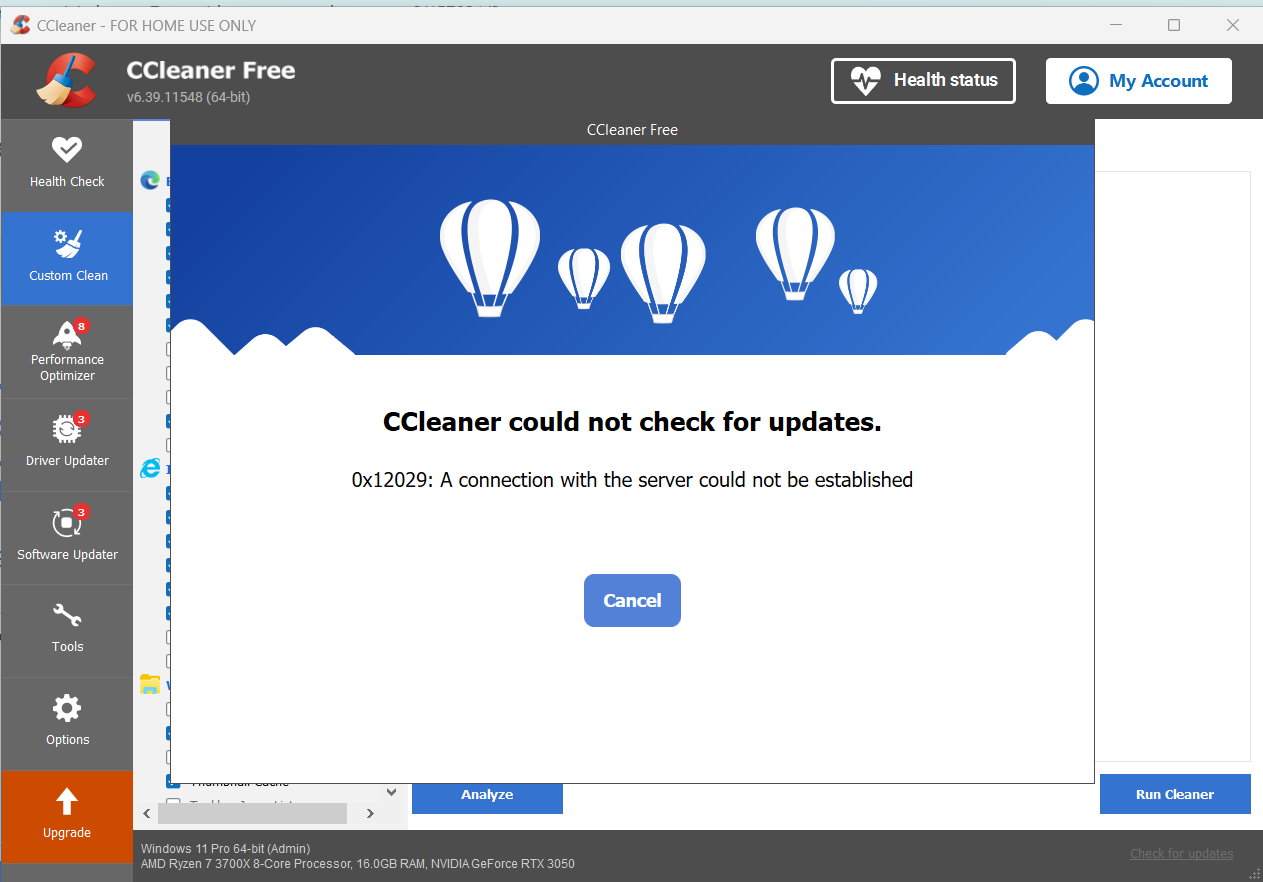
Then you will get this, even if you try to check for updates: